Graveyard Orbit Controls & Accessibility
Bind movement, aim, and fire so orbiting wrecks stays comfortable for hours.
Graveyard Orbit supports mouse and keyboard plus full controller support, including modern pad features called out on Steam. This page helps you set a calm control scheme for incremental mining: smooth orbits, reliable firing, and less fatigue during large megastructure contracts. Pair it with Getting Started for first-run habits and Ship Building so your bindings match how the grid actually fights.
Default goals for any scheme
Whatever device you use, optimize for:
- Strafe and rotate around a structure without lifting your fingers from fire.
- Aim that can track moving along a face while weapons stay online.
- Quick camera adjustments when sealed cores or hazards appear off-axis.
- Menu access that does not accidentally pause mid-strip too often.
- Volume and UI scale that keep SUNNY’s chatter and alerts readable, not stressful.
Graveyard Orbit is not a ranked arena shooter — comfort beats flashy sensitivity.
Mouse and keyboard tips
- Use WASD or ESDF-style movement if that matches other games in your library; consistency reduces mis-orbits.
- Bind fire to an easy mouse button and consider a separate key for alternate fire modes if mods introduce them.
- Keep a remappable key for recentering the camera when you clip through debris visually.
- Lower mouse acceleration in Windows if arcs feel jittery on long laser tracks.
- Increase UI scale if department menus are hard to parse between runs.
When testing a new ship layout, fly a small wreck first and watch whether you instinctively aim with the mounts that can actually see the target. If you keep pointing at dead zones, that is a placement issue — fix the grid, not only sensitivity.
Controller tips
Steam lists full controller support and DualSense-related features for the title. On a pad:
- Put movement on the left stick and aim on the right with a sensitivity that lets you paint a hull face slowly.
- Map primary fire to a shoulder button you can hold for minutes without claw grip pain.
- Use the second bumper or trigger for secondary weapons or drone focus if the game exposes that split.
- Enable any available aim assist options if precise mouse play is not your preference — this is a chill incremental.
- Check vibration intensity; long contact mining can become noisy on strong rumble.
Play in a comfortable chair with the pad supported. Overtime contracts are marathons; hand cramps are the real final boss.
Accessibility-minded setup
- Prefer toggle options over hold-to-fire if they exist in your build of the game and your hands fatigue easily.
- Raise subtitle or caption scales if you rely on text for tutorial hints from SUNNY or Orbitron prompts.
- Reduce flashing effects in system or GPU control panels if megastructure destruction is visually intense.
- Use Steam’s controller templates and accessibility features (rear buttons, hold-to-press remaps) when native options fall short.
- Take breaks on large structures — pause, cash out, stretch — especially before sealed cores.
Custom volume controls are called out among Steam features; set music lower than weapons feedback if you need audio cues for brownouts or hazard hits.
Session hygiene
Before a long clear:
- Confirm deadzones so tiny stick drift does not shove you into hazards.
- Clean mouse feet / controller sticks if tracking stutters.
- Disable disruptive overlays if they steal focus mid-aim.
- Recheck bindings after a patch via the Updates Hub.
Linking controls to builds
Contact-heavy ships want tighter orbit control and easier forward fire. Drone-heavy ships can use slightly lower aim intensity because coverage is more autonomous. Laser walls love smooth lateral strafe so beams stay painted on one face. Adjust sensitivity when you swap archetypes ranked on the Weapons Tier List Hub.
Related pages
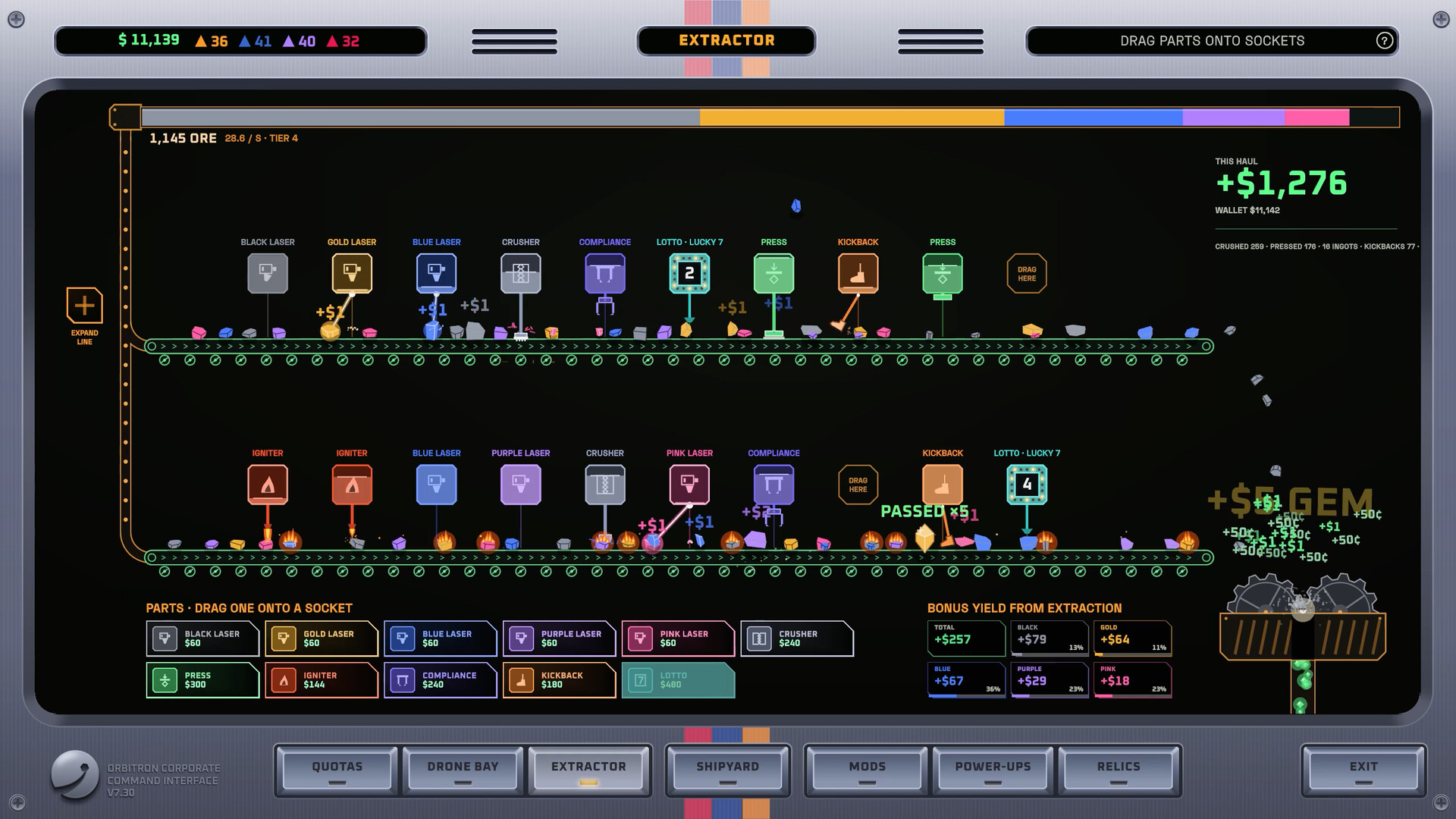
- Extractor Guide — what to do between control-heavy orbits when cargo is full.
- System Requirements — performance issues are sometimes hardware, not bindings.
- Overtime Mode — marathon session planning.
- Official Links — Steam discussions if a patch changes defaults.
Set controls once with intention, then forget them — the fun should be watching wrecks disappear, not fighting your hands.
Frequently Asked Questions
Quick answers to common Graveyard Orbit questions.
Does Graveyard Orbit support controllers?
Yes. Steam lists full controller support, so you can mine comfortably with a pad as well as mouse and keyboard.
What sensitivity should I use?
Prefer lower, steady aim that can paint a hull face for long stretches. Raise it only if you cannot track around megastructure corners.
Any accessibility tips?
Use Steam Input remaps, reduce rumble, raise UI scale, and take breaks on large contracts. Prefer comfort options over competitive sensitivities.
Why do my guns miss even with good aim?
Placement and arcs may be wrong. Rebuild mounts in the shipyard so hardpoints can actually see the wreck.
Should I change controls for Overtime Mode?
Only if your Overtime build changes range — for example Contact specialists may want tighter orbit binds than drone coverage fleets.